Property Management Automation Software
FlowRunner is the orchestration layer between your property management platform and your accounting, banking, and tenant comms, with humans on exceptions.
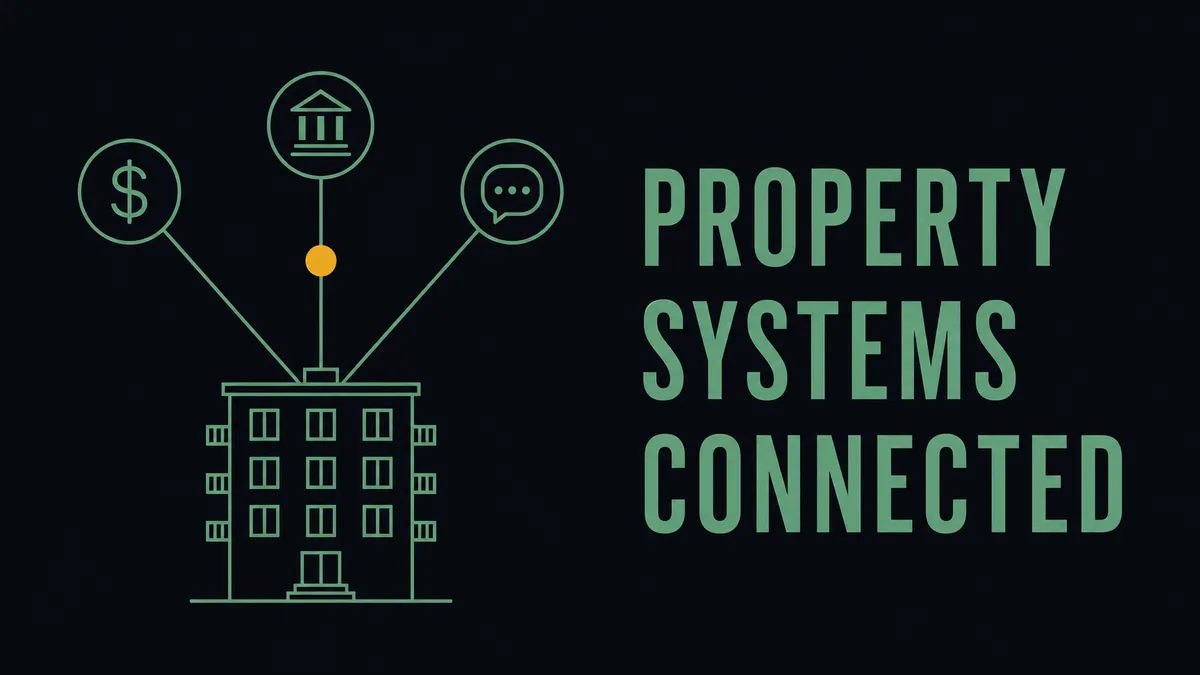
Search for property management automation software and the results assume one thing: that you do not have a property management platform yet. Most operators running multifamily, single-family, or mixed portfolios already do. AppFolio, Buildium, or Yardi is the system of record for units, leases, tenants, and the rent ledger. The work that still eats your team’s week is not inside that platform. It is in the seams between it and everything else.
This page is not a pitch to replace your property management platform. It describes where the manual work actually survives after you have one, and how an orchestration layer above your stack handles the cross-system processes the PM platform was never built to own.
What property management automation software does not cover
A property management platform automates the parts of operations that live inside its own four walls: rent posting, lease records, maintenance ticket intake, owner statements, the tenant portal. These are mature products and they do that job well. The honest limit is the boundary of the system itself.
The processes that still run on manual effort are the ones that cross that boundary:
- Rent and payment reconciliation against the books. Payments land in a processor and a bank account; the GL lives in QuickBooks or your accounting suite. Matching deposits to the rent roll and chasing the variances is manual.
- Vendor and maintenance invoice intake. A plumber emails a PDF. Someone reads it, codes it to a property and a GL account, checks it against the work order, and keys it into AP.
- Owner and tenant communication that depends on a threshold or an event. A delinquency crosses a line, a lease is 60 days from expiry, an owner draw needs approval. The trigger sits in one system; the notification and the decision sit somewhere else.
- Document collection at move-in and renewal. Signed leases, insurance certificates, and W-9s for vendors get gathered across email and e-signature, then re-entered by hand.
None of these are a PM platform’s job. The PM platform records that the lease exists. Pulling the renewal context together, routing it for a decision, and writing the result back across systems is work that happens between systems.
How FlowRunner fits with the property management platform you already run
FlowRunner is not a property management system. It is the layer above AppFolio, Buildium, or Yardi that connects them to accounting, banking, document, and communication tools, and runs the cross-system processes as one flow.
This is the seam the search term hides. A property management platform owns the units and the ledger. Your accounting suite owns the books. Your payment processor owns the money movement. Your inbox owns the vendor invoices and the tenant threads. No single one of those systems was built to coordinate the other three, and the coordination is exactly where an operations team becomes the manual glue. That coordination work is a category of its own: orchestration as a service, a layer that listens for what each system emits, gathers the context any one of them is missing, and pulls a person in only when a payment, an exception, or an owner-facing decision needs judgment. FlowRunner is built for that layer.
What that looks like in practice:
- Reconciliation runs continuously, not at month-end. Payments get matched against the rent roll as they post, and variances surface as exceptions while they are still cheap to resolve.
- Exceptions route to a named person with full context. The vendor invoice, the matching work order, the property code, and the discrepancy arrive in one Slack message. The reviewer decides; the flow resumes and writes back.
- Human in the loop, by design. The agent does not guess on an ambiguous charge or an unusual owner draw. Where the call needs judgment, it pauses and asks. That is the difference from auto-post rules that apply silently and leave the trail to reconstruct later.
- Every execution leaves an audit trail. Who approved the invoice, when, against what data. Property accounting is owner money, and the trail is what makes a workflow a control rather than a habit.
Integrations property operators connect
FlowRunner runs on top of the systems a property operation already uses. The full set is published at flowrunner.ai/integrations; the ones property teams reach for most:
- QuickBooks Online for the books, where rent, fees, and vendor bills reconcile against the ledger.
- Stripe for rent and fee collection, matched back to the rent roll as payments post.
- Bill.com for vendor and maintenance AP when the invoice flow continues into payment.
- DocuSign for leases, renewals, and vendor agreements, with signed PDFs attached to the right record on completion.
- Parseur for reading vendor invoices and tenant documents that arrive as email attachments.
- Slack for the human checkpoint: approvals, exception escalations, and threshold alerts.
How it works
- A trigger fires when a payment posts, a vendor invoice hits the inbox, or a lease crosses a date threshold in your PM platform or accounting system.
- An agent gathers context and acts, matching the payment to the rent roll, coding the invoice to a property and GL account, or assembling the renewal packet across systems.
- A human resolves the exception in Slack when the data is ambiguous or the decision involves owner money, then the flow resumes and writes the result back.
What you get
- Cross-system reconciliation that surfaces variances as they happen instead of during a month-end scramble.
- Vendor and maintenance invoices coded and routed without manual rekeying, with exceptions flagged to a named reviewer.
- Threshold and event-driven communication that fires on the data, not on someone remembering to check.
- An audit trail per execution that captures the approver, the timestamp, and the underlying data, suited to the owner-money standard property accounting runs to.
Property workflows that map directly onto a portfolio
These are documented FlowRunner patterns built for other finance and operations teams. The integrations and the shape transfer cleanly to property work:
- Reconcile incoming payments against the books by matching every Stripe payment to its open invoice and surfacing variances to a reviewer, the same pattern rent reconciliation needs.
- Route approvals through Slack with an audit trail so owner draws, refunds, and unusual charges capture the named approver instead of disappearing into a thread.
- Process invoices from inbox to payment, the exact shape a maintenance-invoice flow takes from the vendor’s emailed PDF through to AP.
- Automate document intake with duplicate detection for vendor invoices, so the same bill submitted twice pauses for a human rather than paying twice.
When a PM platform is the right tool, and when orchestration is
The two are complementary, and it is worth keeping the line straight. Choose a property management platform when the need is the system of record itself: unit and lease tracking, the tenant portal, maintenance ticketing, owner statements. AppFolio, Buildium, and Yardi are built for that and FlowRunner does not try to be.
Choose orchestration when the bottleneck is the work between systems: reconciliation against the books, vendor invoice intake, document collection, and event-driven communication that the PM platform records but does not run end to end. For a side-by-side on where each tool’s scope begins and ends, the FlowRunner versus AppFolio and FlowRunner versus Buildium breakdowns walk the boundary explicitly. The property management automation guide covers which processes are worth automating first, and the framework on how to know what is worth automating turns that into a calculation rather than a gut call. Before committing to a build, what makes automations hold up in production is worth reading, because a property workflow that handles owner money has to survive the messy cases, not just the clean demo.
See how this would work on your stack
A 30-minute walkthrough against your actual setup, or have our team build it for you at a fixed price.