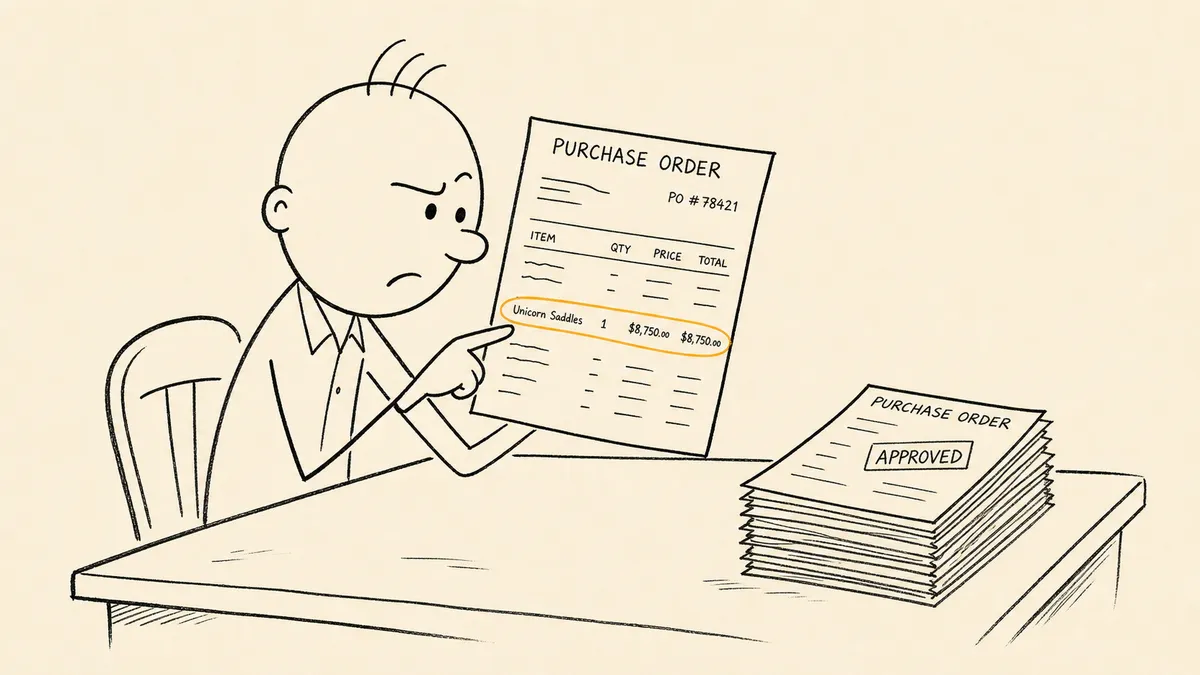
A PO approval workflow that only handles the happy path is the single most common reason a procurement team’s approval process looks clean in a diagram and falls apart in a quarterly review. The diagram shows the rule. The audit asks where the approver identity lives, what happened when the approver was out, and which POs got split to stay under a threshold. Those questions decide whether the workflow holds.
This is an explainer for procurement operators evaluating whether the current process is worth formalizing or automating. It defines the workflow, walks the standard steps, names where the seams open, and gets to the design questions that actually matter.
What a PO approval workflow actually is
A PO approval workflow is the routing rules, approval thresholds, and system-of-record updates that move a purchase request from submitted to issued PO. It records who approved what, against the PO record, in a form an auditor can reconstruct later.
It is not the full procure-to-pay process. P2P starts with sourcing and ends with vendor payment and posting. The approval workflow is one segment of that arc, sitting between the requester and the vendor. Receiving, three-way match, and AP payment live downstream and have their own controls.
The typical actors:
- Requester. The person who needs the goods or service and submits the request with line items, vendor, GL coding, and supporting documentation.
- Budget owner. The cost-center or department head who owns the spending authority for the GL code being charged.
- Department head. Often the same as the budget owner at smaller companies; separate at larger ones with delegated approval matrices.
- Finance. Validates GL coding, budget availability, and policy compliance before or alongside the approval routing.
- Procurement. Owns the vendor relationship, the approved vendor list, and the contract reference if one applies.
In smaller organizations these roles collapse into one or two people. The workflow still needs to name them, because the audit trail asks who did what, not who could have done what.
The standard steps in a PO approval workflow
- Request submission. The requester enters line items, the vendor, GL coding, and any supporting documentation (quotes, statements of work, contract references). At this stage the workflow either accepts the request or rejects it back to the requester with a reason.
- Validation checks. The system or a finance reviewer confirms budget is available against the chosen GL code, the vendor is on the approved list (or routes through new-vendor onboarding if not), and any required contract reference exists.
- Routing. The request is routed to the right approvers. Routing dimensions commonly exposed in ERP approval modules include amount threshold, cost center, category (IT, marketing, professional services), and vendor risk tier. Microsoft’s purchase approval workflow documentation shows how one ERP models these dimensions; the patterns are recognizable across NetSuite, Acumatica, SAP, and others.
- Approval capture. Each approver in the chain reviews and approves or rejects. The system records approver identity against the PO record, with a timestamp and any comments attached. NetSuite’s PO Approval Workflow SuiteApp states document the same pattern in their terminology.
- PO issuance. Once all approvals are captured, the system generates the PO number, marks the record as Approved, and dispatches the PO to the vendor through the chosen channel (email, EDI, vendor portal).
- Closing the loop. The requester gets notified the PO is live. Downstream systems (receiving, AP) inherit the PO record with its approval history attached so three-way match has the data it needs later.
Every guide on this topic publishes some version of those six steps. The article ends here for most of them. That is exactly where the work starts.
Where most PO approval workflows break
Here is what most posts on PO approval workflows will not say plainly: the standard six-step diagram is the easy 70% of the design. The remaining 30% is where the workflow either holds under real-world conditions or quietly stops being a control.
The recurring failure modes:
- Approvers out of office with no defined delegation rule. The request sits. The requester chases over Slack. Eventually someone with a corner of the right authority approves it informally, and the audit trail loses a step. Delegation rules need to exist in writing before they are needed, not be invented during a stalled approval.
- Requests that cross thresholds mid-flight. A line item gets added, the vendor changes, the quantity goes up. The approval that already cleared was for a different request. Workflows either re-trigger the routing or quietly carry forward an approval that no longer applies.
- Approvals captured in email or chat. The PO record shows Approved with no link back to the actual conversation. Months later, an auditor asks who approved a specific PO and on what basis, and the answer requires inbox archaeology. Approval evidence stored in email or chat is harder to reconstruct than approvals captured against the PO record inside the ERP.
- Splitting POs to stay under approval thresholds. Two POs for $9,000 each go through department-head approval; one PO for $18,000 would have required the CFO. Splitting POs to stay under approval thresholds is a recognized control weakness in procurement, and it is almost always invisible until someone runs a vendor-spend report.
- Vendor or contract data that is stale at the moment of approval. The approved vendor list has not been reviewed in two years. The contract reference points to an expired MSA. The approval clears against data that no longer reflects the relationship.
Each of these can be patched in isolation. The workflows that survive an audit are the ones designed around them upfront, not the ones that grow patches over twelve months until the rule set lives in a half-documented mesh of policy memos and inbox conventions.
Designing approval rules that match how your team actually buys
The most common design mistake is borrowing thresholds from a template. The thresholds that work are the ones set against the real shape of your spend.
Things to decide before you write the rule:
- Set thresholds against actual spend distribution. If 80% of your POs are under $5,000, putting the first threshold at $10,000 sends almost everything to the requester’s direct manager and treats finance review as ceremonial. Pull the last twelve months of POs, look at the spend distribution, and place thresholds where they actually segment the population.
- Decide which categories need category-owner review. Pure dollar-threshold routing misses risk that lives outside dollars. A $2,000 IT purchase introducing a new SaaS vendor with data access carries more risk than a $20,000 office supplies order on a known contract. Category-owner review (IT for software, marketing for agencies, legal for new MSAs) catches what the dollar threshold misses.
- Write the delegation and escalation rules before they are needed. Every approver has planned absences and unplanned ones. The rule needs to name the delegate, the trigger (calendar OOO, manual flag, time-since-routed), and the escalation path if the delegate also does not act.
- Keep approval levels proportional to risk. Three signatures on a $1,500 PO does not catch risk; it consumes time. Most of what the third signer would catch was already visible to the first two. Extra layers of sign-off feel like control and operate like friction.
The exercise that surfaces all of these in one pass: walk a sample of last year’s POs through the proposed rule set on paper, and ask which ones would have routed sensibly and which would have stalled, escalated badly, or skipped a review the workflow needed. If the rule set fails on five out of twenty real POs, ship the rule set anyway and you ship the failure with it.
What to automate and what to keep human
This is where the design decision actually pays off. Automation should remove the work nobody wants to do and preserve the work that needs judgment.
Automate:
- The routing decision itself, based on the rules you have written down.
- The threshold and budget checks against the live GL and vendor data.
- The reminders to approvers, with full context attached, through the channel they actually read.
- The system-of-record updates that capture approver identity, timestamp, and any comments against the PO record.
- The closing-the-loop notifications back to the requester and forward to receiving and AP.
Keep human:
- The actual approval decision. The approver is signing off on a commitment of company funds; that signature is the point of the workflow, not a step to be automated away.
- Exception handling that has not been seen before. New vendor, new category, unusual urgency: the workflow should route these to a human with the full context, not auto-approve them on a soft rule.
- Any judgment call about whether to split, defer, or escalate a request.
The decision about whether your current approval process is even worth formalizing is its own question; the framework in how to know if an approval process is worth automating handles it as a financial calculation rather than a gut call.
For ERP-specific patterns, two examples that show the shape:
- Acumatica users can capture PO approvals with approver identity inside your ERP so the audit evidence lives where the PO lives, not in a parallel approval app that has to be reconciled later.
- Vendor-invoice intake sits adjacent to PO approvals and shares the same exception-routing problem. The pattern for vendor invoices flowing into the ERP with exception routing is the AP-side mirror of what a PO approval workflow does on the procurement side.
- NetSuite users facing duplicate-bill risk on the AP side can see how duplicate and outlier checks before a bill is created in NetSuite sit in the same exception layer as PO approvals.
These are all variants of the same architectural question: the ERP holds the system of record, and the workflow that decides what enters it, who approves it, and what happens when something does not fit a rule has to live somewhere. That somewhere is rarely the ERP’s native approval module alone. The native module owns the happy path. The exceptions are where the work is.
That seam, between what the ERP can route on its own and what the procurement team actually does between systems, is where an orchestration layer lives. A system above the systems of record that listens for what they emit, gathers context the rule did not have at fire time, brings the right human in with the request fully framed, and captures the answer back against the PO record so the audit trail stays in one place. FlowRunner is built for that layer. It does not replace the ERP’s approval module; it makes the module’s outputs reconstructible and the exceptions handlable without inbox archaeology.
A checklist for evaluating your current PO approval workflow
Run this against the workflow you have today. Each question is a small audit on its own.
- Can you reconstruct who approved any PO from the last 12 months without leaving the ERP? If the answer requires opening an inbox, the audit trail is not where it needs to be.
- Are thresholds reviewed against actual spend at least annually? Spend shifts. Thresholds that segment the population today miss the segmentation in eighteen months.
- Is there a written delegation rule that covers planned and unplanned absences? Written, not informally understood.
- Do exceptions (rush orders, new vendors, contract overruns) have a defined path, or do they get worked around? Worked-around is the failure state. Defined is the goal.
- Is the approval evidence linked to the PO record, or stored in inboxes? This is the question that decides whether the workflow is a control or a habit.
A workflow that answers all five with the right answer is one that holds up. A workflow that answers any of them with the wrong one is one quarterly review away from being rebuilt under pressure.
The standard advice on PO approvals is to map the steps and pick a tool. The honest version is the opposite: name the exceptions first, name where the approver identity lives, name what happens when the rule does not fit, and the tool is whatever survives those three questions.
Frequently asked questions
What is a PO approval workflow?
It is the routing rules, approval thresholds, and system-of-record updates that move a purchase request from submitted to issued PO, with approver identity captured against the record for the audit trail.
What steps belong in a PO approval workflow?
Request submission with line items and GL coding, budget and vendor validation, routing by threshold or category, approval capture with approver identity, PO issuance to the vendor, and closing the loop back to the requester and downstream receiving and AP.
Where do PO approval workflows usually break?
Approvers out of office with no defined delegation, requests that cross thresholds mid-flight, approvals captured in email or chat with no link back to the ERP, and split POs that stay under approval limits by design.