Marketing Workflows
Run lead routing, scoring, attribution, and lifecycle logic across HubSpot, Salesforce, Slack, and the rest of the marketing stack without manually patching every handoff.
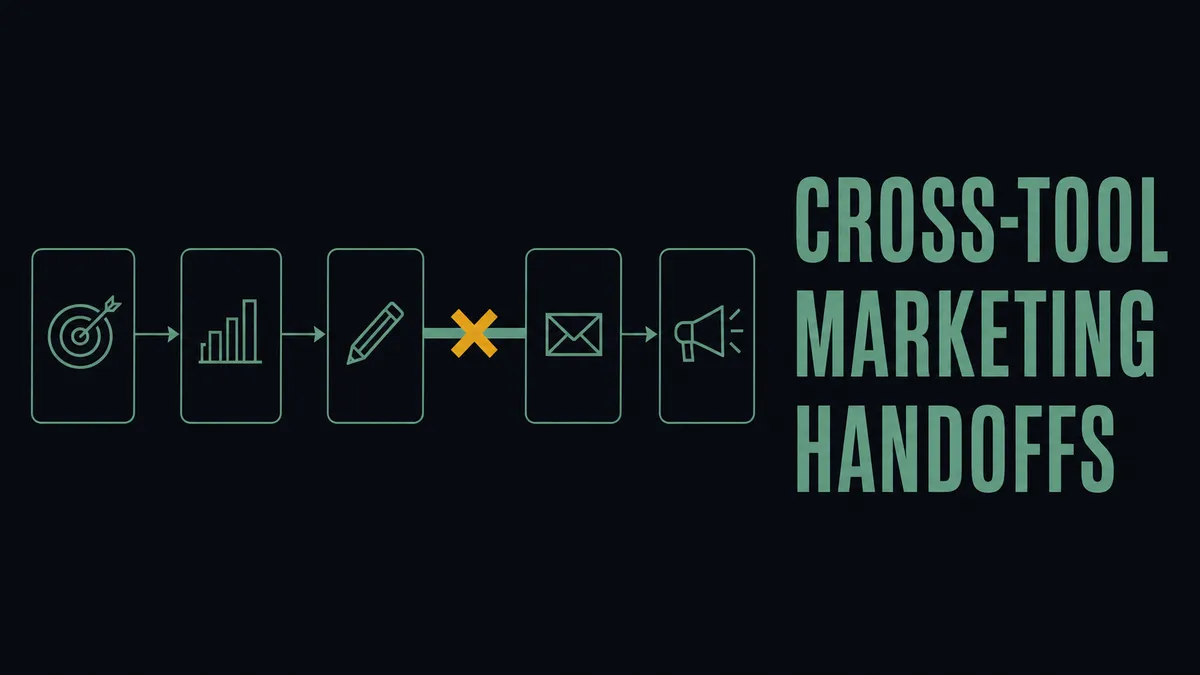
Marketing workflows almost never fail inside HubSpot, Marketo, or Mailchimp. They fail at the handoffs between them. A lead lands in a form, gets scored in one tool, needs to route through another, and the rep sees a Slack ping with half the context. The native automation in each platform covers the work that happens inside that platform’s boundary; the seams between them are where marketing ops actually spends its week.
This page is for the marketing ops or demand gen lead who already runs a multi-tool stack and is tired of patching cross-tool handoffs every time a campaign rolls out. It describes the workflows that span systems, where they break, and how an orchestration layer that runs above the stack handles them without becoming yet another silo.
The workflows marketing ops actually owns
Across a typical mid-market marketing stack, the cross-tool sequences look like this:
- Inbound lead intake and routing. Form submission lands in HubSpot, needs enrichment, deserves a routing rule that respects round-robin and territory, and should result in an SDR seeing it within minutes, not the next morning.
- Lead scoring across signals. Score lives in one tool, behavior lives in another, fit data lives in a third. The composite score that drives MQL handoff is rarely native to any single platform.
- MQL-to-SQL handoff. The handshake between marketing and sales is the most consequential workflow in the building and almost always the most patched together.
- Campaign attribution. Pulling weekly attribution into a format the rest of the business will trust usually means a manual export, a spreadsheet, and a Monday morning that should have been spent on something else.
- Lifecycle email logic that depends on cross-tool signals. A trigger that depends on product usage from one tool, lead score from a second, and account stage from a third. Each tool can express the trigger it sees; none of them can express the combined rule.
Why native automation in each tool stops short
HubSpot, Marketo, and Mailchimp each automate inside their own boundary, and they do that part well. Segment and Mixpanel emit useful signals downstream but they do not orchestrate the action across the stack. Slack notifications without context become noise, get muted, and leads sit. The gap is not a missing feature in any one tool. The gap is a coordination layer above the tools.
The honest read on this category, which most marketing automation guides will not say, is that the answer is not “consolidate onto fewer platforms.” Mid-market marketing teams will keep their stack mixed for the same reason they got there: each tool earned its slot by being best at one thing. The work is making them act as one system without forcing a migration. An orchestration layer is the category that owns that work; FlowRunner is one example of one, built specifically for the seams between marketing tools where the handoffs actually live.
How FlowRunner runs cross-tool marketing workflows
FlowRunner triggers on real events from the tools in the stack rather than scheduled polling. A form submission in HubSpot, a status change in Salesforce, a behavior event from a product analytics tool, an email reply landing in a shared mailbox. Conditional logic combines fields from multiple systems before deciding what to do next. Routing, scoring updates, lifecycle steps, and notifications all happen from the same flow with the same context.
The judgment calls stay with a human. Ambiguous lead ownership when two reps could legitimately claim it, a bounced enrichment lookup that needs a second look, an account-level handoff to sales that should not be auto-routed without eyes on it. FlowRunner pauses on those, asks the named owner in Slack with the full context attached, and resumes when they decide. Every run produces a step-by-step audit trail so attribution and routing decisions are reviewable later, not assumed.
Workflow patterns marketing ops can ship
The reference patterns sit in the workflow library:
- Qualifying inbound leads without manual research from form to enrichment to owner assignment, with the Slack notification carrying the context the rep needs to act.
- Connect HubSpot with Slack so MQL handoff messages reach the right rep with the right fields, not a generic “new lead” ping.
- Campaign attribution delivered automatically into a Slack channel each week from Salesforce data, with no manual export step in the middle.
Deciding what to put on FlowRunner first
Start with the workflow that breaks most often or the one where a broken handoff costs the most pipeline. The decision framework in how to know what’s worth automating is a useful filter for prioritizing the first build. Keep the human in the loop on the steps that require judgment; let FlowRunner carry the routing, enrichment, notification, and audit trail around them. The fastest result usually comes from picking one cross-tool seam, closing it cleanly, and using the trust that builds to take on the next.
See how this would work on your stack
A 30-minute walkthrough against your actual setup, or have our team build it for you at a fixed price.